
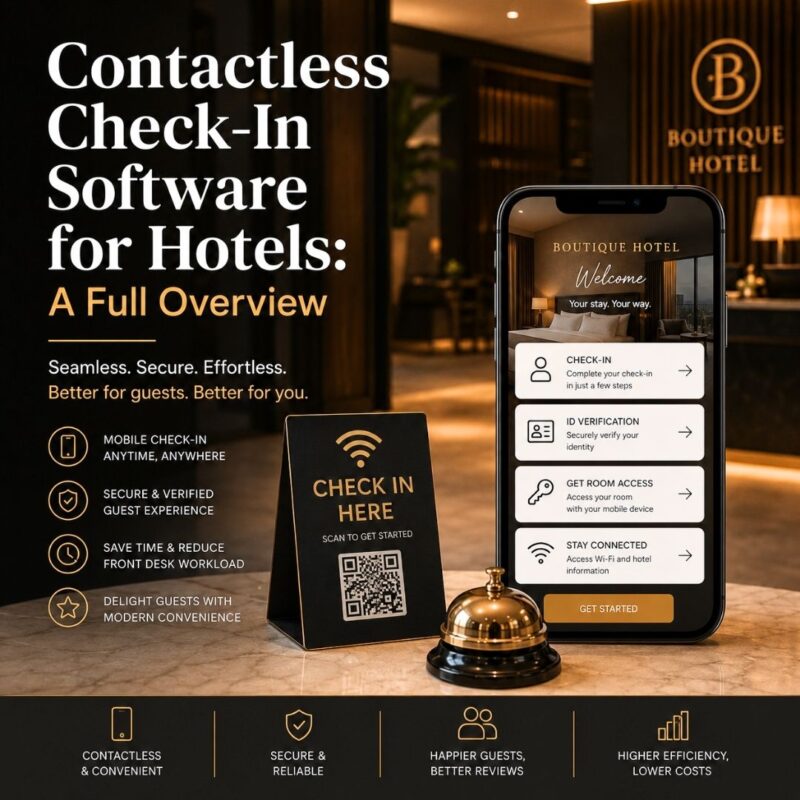
Contactless Check-In Software for Hotels: A Full Overview
Long check-in lines frustrate arriving guests instantly. Small hotels rarely have staff to spare during peak hours. Our complete Hotel Operations Automation Software blueprint introduces contactless arrival briefly. This guide expands on the topic in full detail. Below, we outline how contactless check-in actually works.
What Does Contactless Check-In Actually Involve?
Summary: Contactless check-in lets guests verify identity and receive room access without visiting the front desk.
Guests complete identity verification before they even arrive on-site. Payment details get confirmed through a secure digital process. Room access information sends directly to their phone. Staff remain available only for exceptions or special requests. This removes the traditional bottleneck at the front desk.
How Do Calendar Booking Triggers Enable Contactless Arrival?
Summary: Calendar Booking Triggers send pre-arrival check-in links automatically based on each guest’s reservation date.
A trigger fires automatically as the arrival date approaches. Guests receive a check-in link a day beforehand. They complete verification and payment before stepping onsite. Access details generate the moment that process finishes. This entire sequence happens without any staff involvement.
Can the Unified Inbox Support Contactless Guest Questions?
Summary: The Omnichannel Unified Inbox answers contactless check-in questions instantly across SMS, WhatsApp, and web chat.
Guests occasionally hit a snag during the digital process. Confusion about a link or access code happens sometimes. The Unified Inbox catches these questions across every channel. Staff resolve issues quickly, without guests waiting at a locked door. Fast support keeps the contactless experience feeling reliable.
Does Contactless Check-In Reduce Overall Staff Workload?
Summary: Automated check-in removes routine front desk tasks, freeing staff for higher-priority guest interactions.
Front desk staff traditionally handle every single arrival manually. Contactless systems absorb this repetitive verification work entirely. Staff then focus on guests who need real assistance. Peak arrival times feel far less chaotic as a result. Workload drops noticeably during the busiest hours of the day.
How Does Task Routing Handle Contactless Exceptions?
Summary: Internal Staff Task Routing flags failed verifications or access issues for immediate front desk follow-up.
Not every contactless check-in goes smoothly without exception. A failed payment or verification needs quick human attention. Task routing flags these cases automatically for staff. The right team member receives an instant notification. This safety net keeps contactless check-in dependable for every guest.
Making Arrivals Effortless for Every Guest
Contactless check-in works best as part of a larger system. Calendar triggers, messaging, and task routing must work together. GlobalThinkingApp connects all three into one smooth arrival flow. Guests skip the line, and staff skip the chaos. Return to the full Hotel Operations Automation Software blueprint to see the complete system.
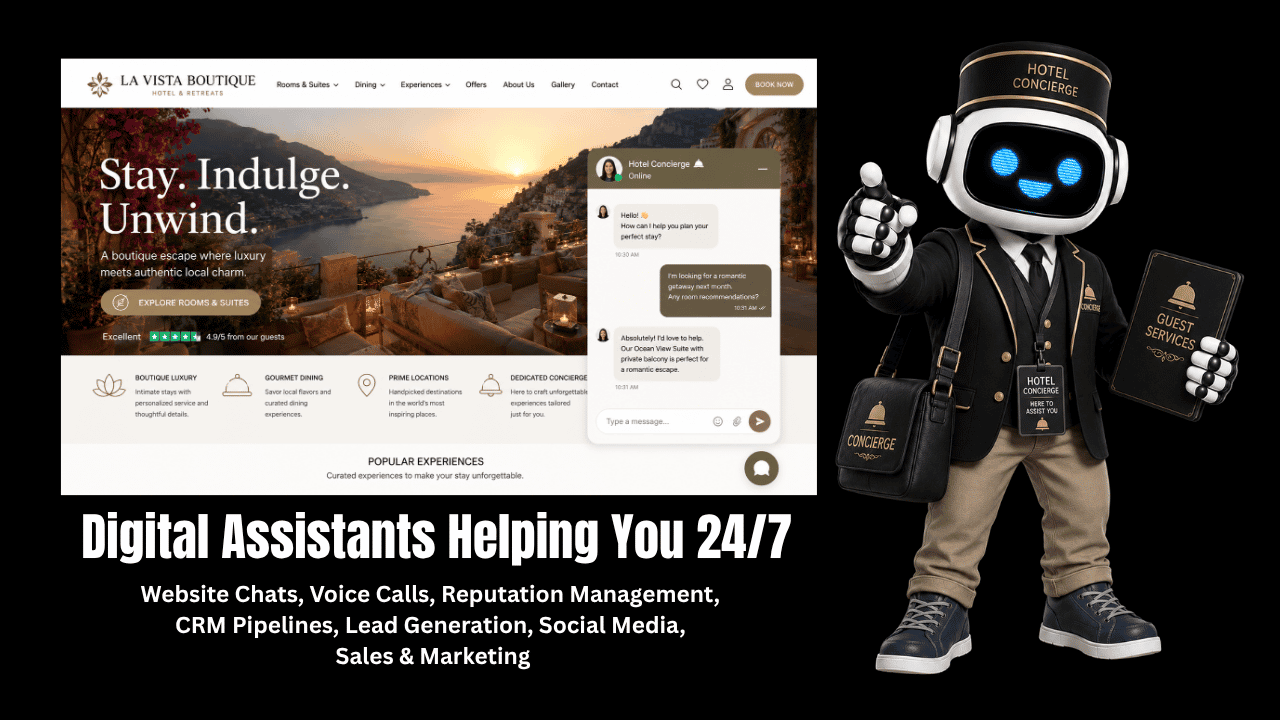
More Than Just A ChATbot on YOur Website!
Digital Assistants Helping You Run Your Hotel or B&B 24/7
Master Series Navigation
- Pillar Hub: Hotel Operations Automation Software
- Spoke 1: Best AI Concierge for Small Hotels
- Spoke 2: How to Increase Direct Hotel Bookings
- Spoke 3: Hotel Guest Messaging Platform WhatsApp
- Spoke 4: Independent Hotel PMS Integration Tools
- Spoke 5: Contactless Check-In Software for Hotels — (You are here)
- Spoke 6: Automate Front Desk Operations
- Spoke 7: Hotel Room Upgrade Upsell Software
- Spoke 8: Reduce Hotel Staff Workload with AI
- Spoke 9: 24/7 Virtual Assistant for Hotel Websites
- Spoke 10: Automated Review Generation for Small Hotels
